


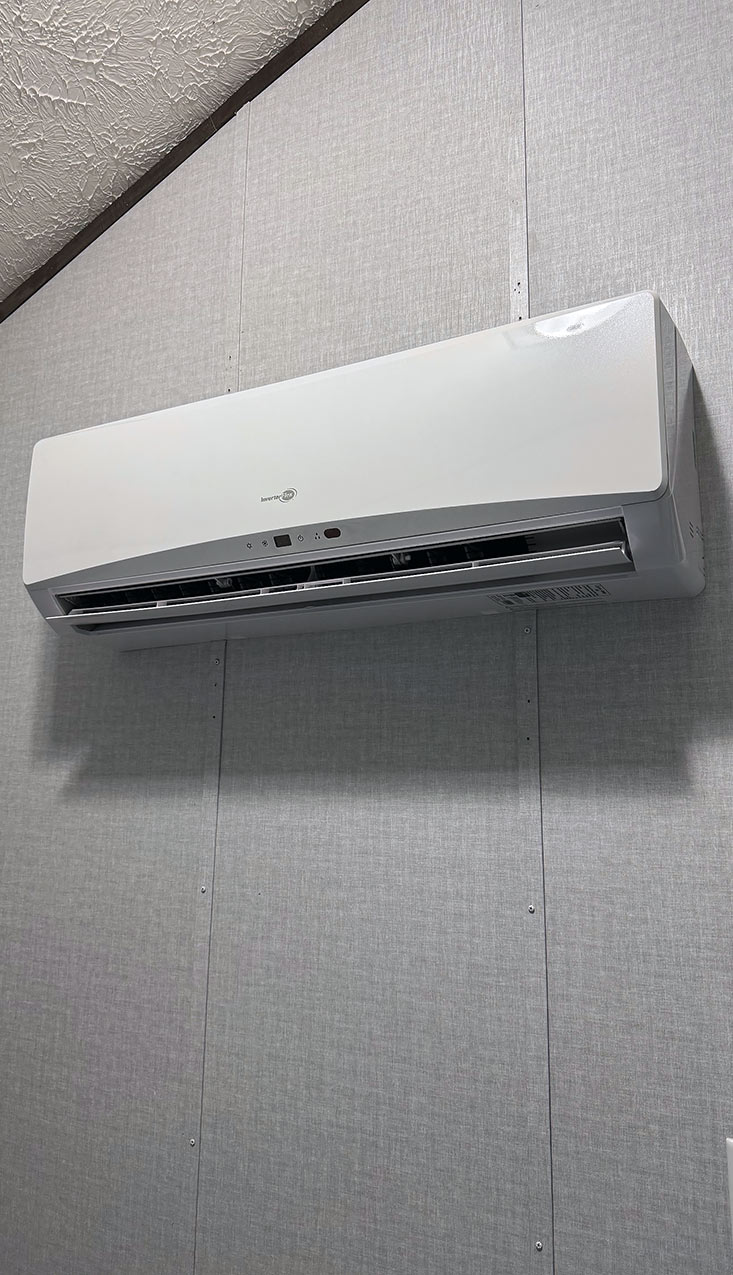
How to – Change the temperature in the Tiny Home
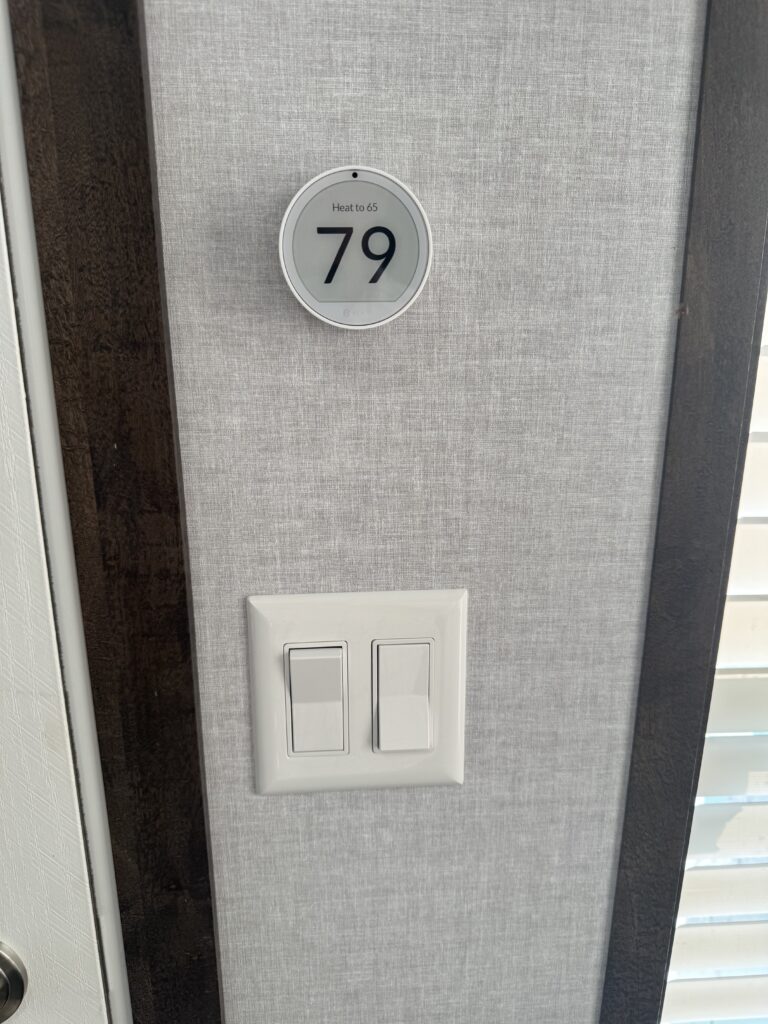
- Turn the outside ring of the thermostat left or right to change the temperature
- Note: The mini-splits are set to auto temperature. You cannot lower the temperature to turn on the Air Conditioning, and turn the temperature up to turn on the heat. If you want to cool the tiny home down, or warm it up the mini-splits require that the “mode” to be set to “cool” or the mode to be set to “heat”. You can do that with the thermostat.
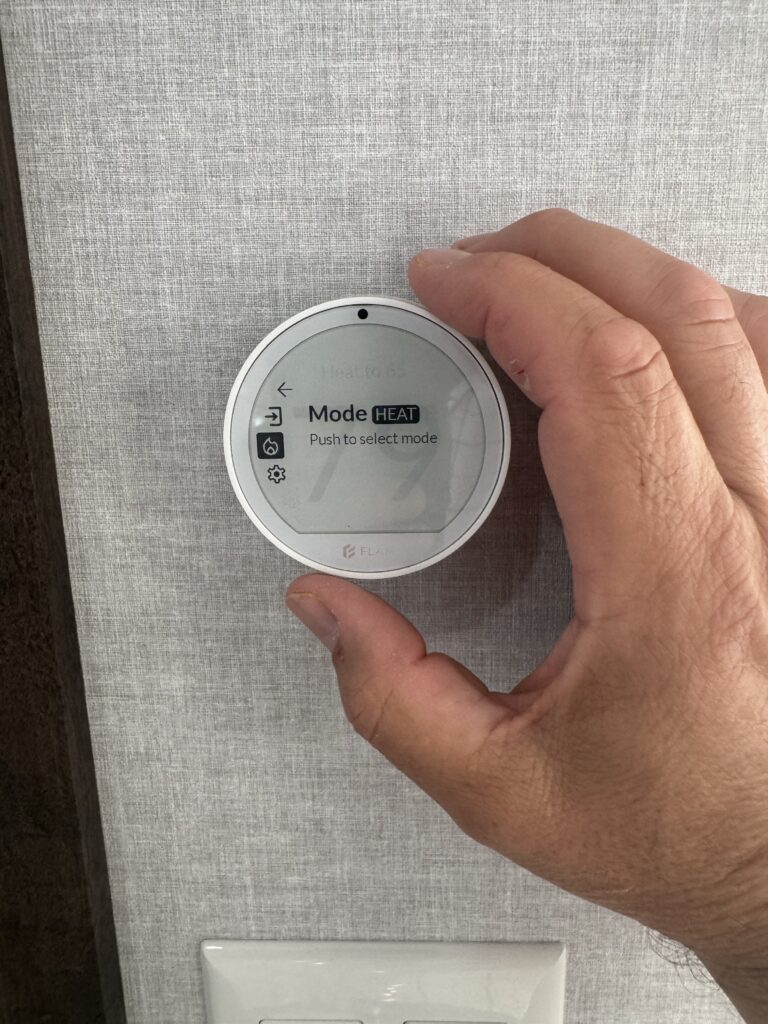
- To change the mode to cool or to heat, push in on the thermostat face (or “ring”) and a menu will appear. If an icon of a flame shows up the mode is set to heat, if an icon of a snowflake appears it is set to “cool”. To change the mode turn the ring to select the flame/snowflake, press in to select it, and it will give you a chance to change the mode by turning the ring left or right. Use the <– (left arrow) in the menu to go back to the main display when you have made the change. Once you are back at the main display you can adjust the temperature. The mini-splits are tied together regarding the mode, if one is on cool, both will be on cool, same with the heat mode.
- To turn off (or inactivate) a mini-split simply double tap on the thermostat face. Note: it will only turn off the mini-split you double tap, to turn off both you’ll need to go to each thermostat and turn off the mini-split.
No comments yet! You will be the first one to comment.