


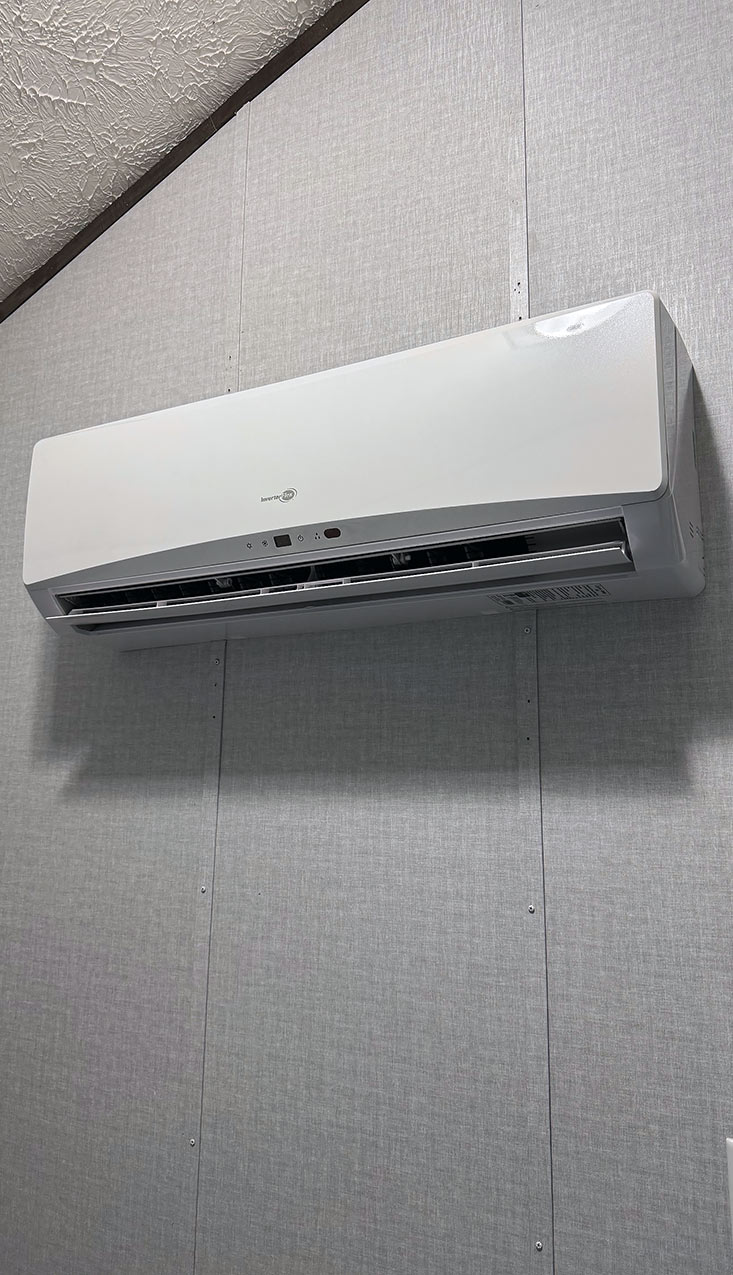
How to – Change the temperature in the Tiny Home
VERY IMPORTANT – if you change the mode (hot to cold, or auto) you must change both the mini-split in the living room and in the bedroom to the same mode or you will see an “E7” error on the minisplit displays.
There are two mini-splits in the Tiny Home. One in the bedroom and one in the living room. Each has it’s own remote. While the Mini splits have a lot of features to them, I will just outline a couple that should cover what you need.
Here are images of the controls with the remote door opened and closed. You can see the keypad on the closed version (with the -, +, Fan, Mode selection).
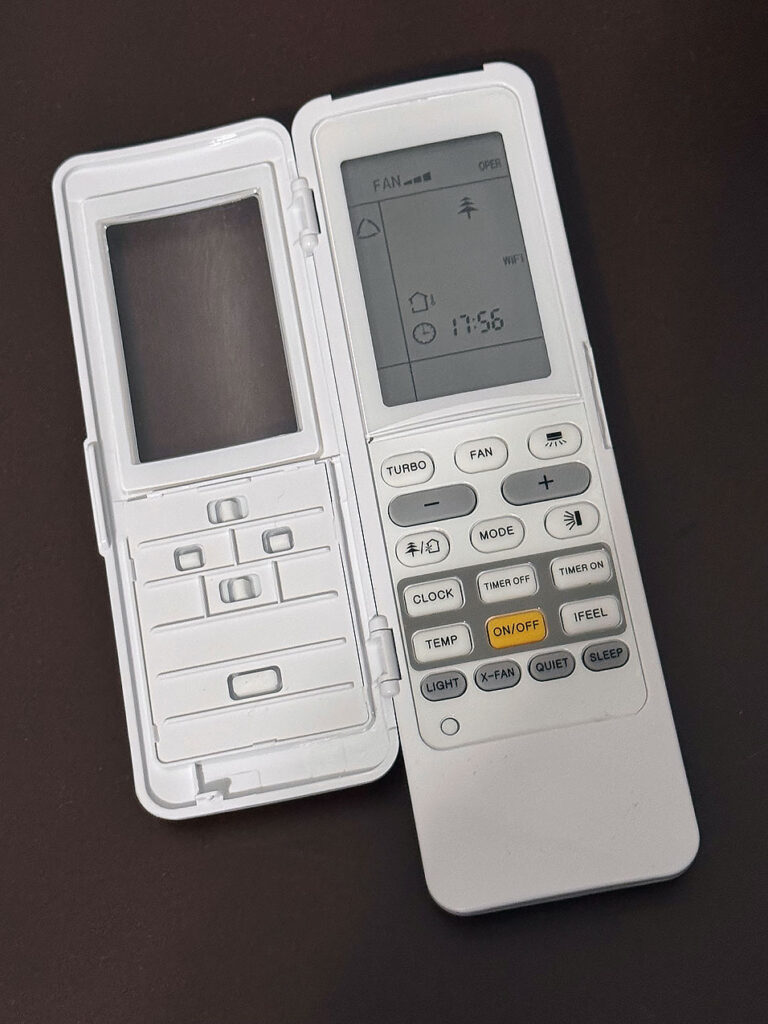
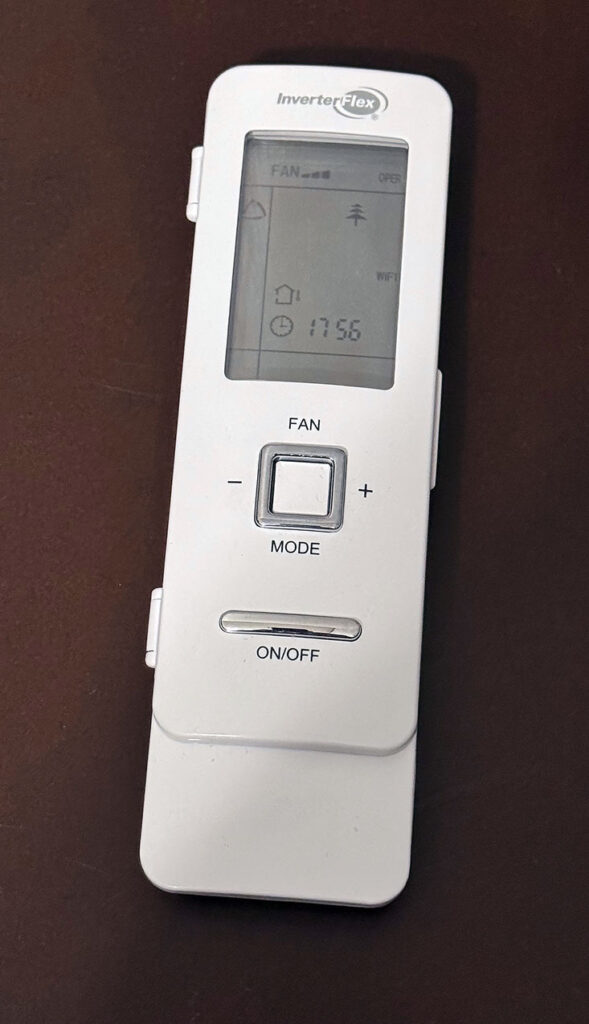
- How to turn on the automatic temperature control
- Each mini split has it’s own remote. Normally the A/C and Heat will be set on auto when you arrive. What that means is that it will keep the room between 68-76 degrees automatically. There is no way to adjust that range (well, not that we have found anyway).
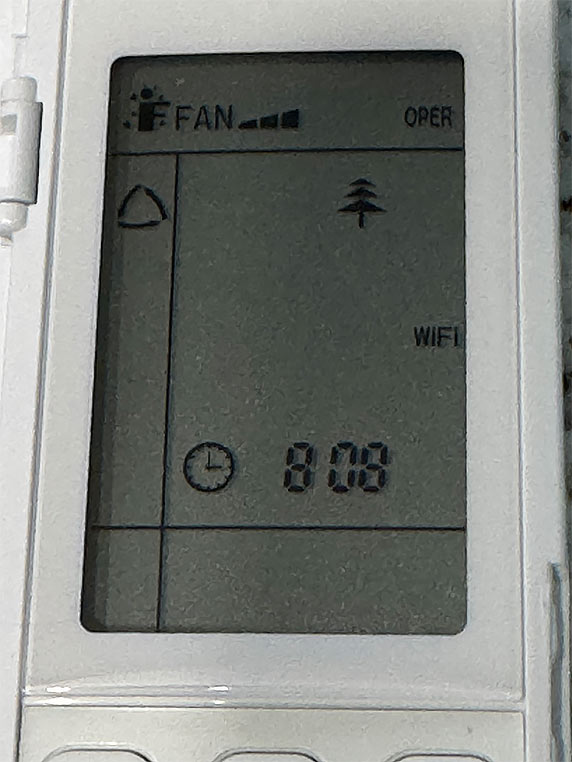
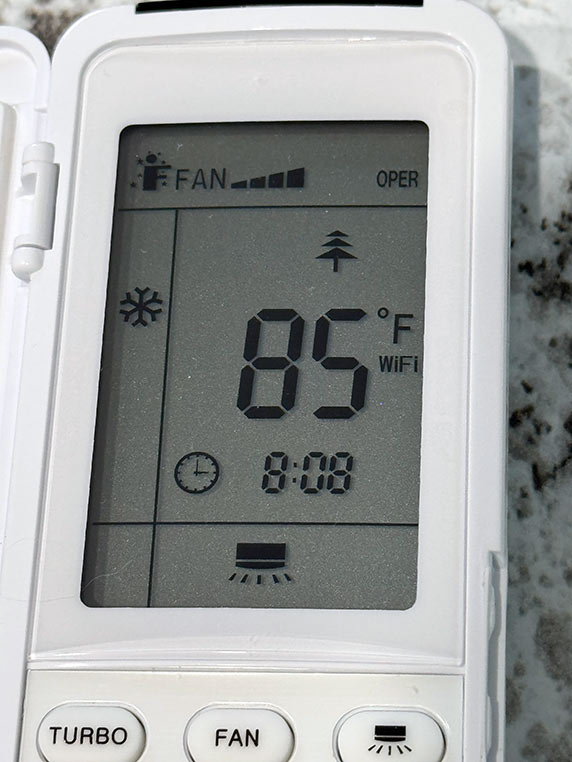
- How to turn on the A/C.
- If you want the rooms cooler, use the keypad to move up and down on the icons (with the remote open). Select the snowflake icon and use the keypad (Plus and Minus icon) to change the temperature. YOU MUST CHANGE BOTH MINISPLITS TO THE SAME MODE (e.g. hot, cold, auto).
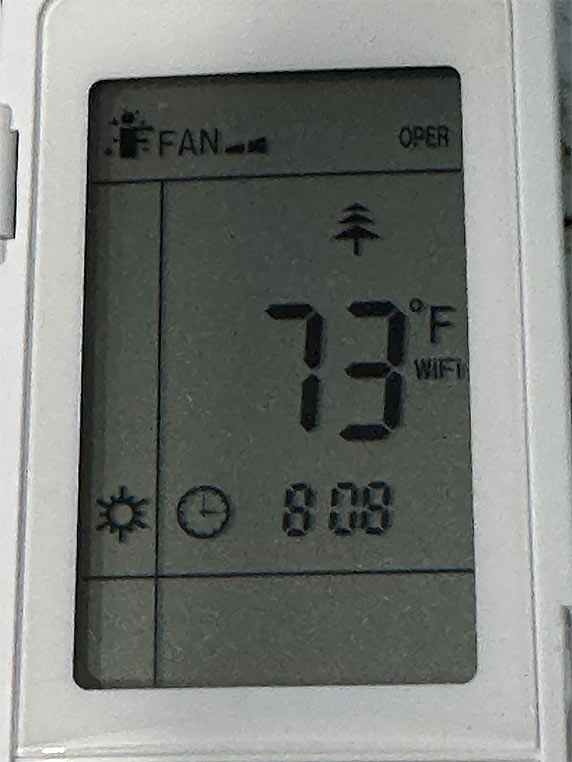
How to turn on the heat
- If you want the rooms warmer, use the keypad to move up and down on the icons (with the remote open). Select the sun icon and use the keypad (Plus and Minus icon) to change the temperature. YOU MUST CHANGE BOTH MINISPLITS TO THE SAME MODE (e.g. hot, cold, auto).
No comments yet! You will be the first one to comment.